When searching for k444 mobile, the opened page in the browser, home-screen shortcut, and Android APK—three different access forms may appear. Although they look similar, the responsibilities of install, update, permission, and source are different. This site does not distribute any APK; it explains the differences and verification steps.
Difference between Browser, Shortcut and APK
| Type | How it opens | Is it installed | What to verify |
|---|---|---|---|
| Browser page | From web address to browser | Generally no | Full URL, HTTPS and page identity |
| Home-screen shortcut | Pressing the icon opens the browser or web app | Small shortcut/PWA data may be present | Which address the icon is opening |
| APK | After installing the Android package | Yes | Source, publisher, signature/update path and permission |
Do not assume it is a native App just by seeing the shortcut icon. If pressing the icon shows the browser address bar, it may be a web shortcut. An APK file does not become “official” by itself; even if the exact k444 spelling matches, the source and publisher must be verified separately. APK does not install on iPhone.
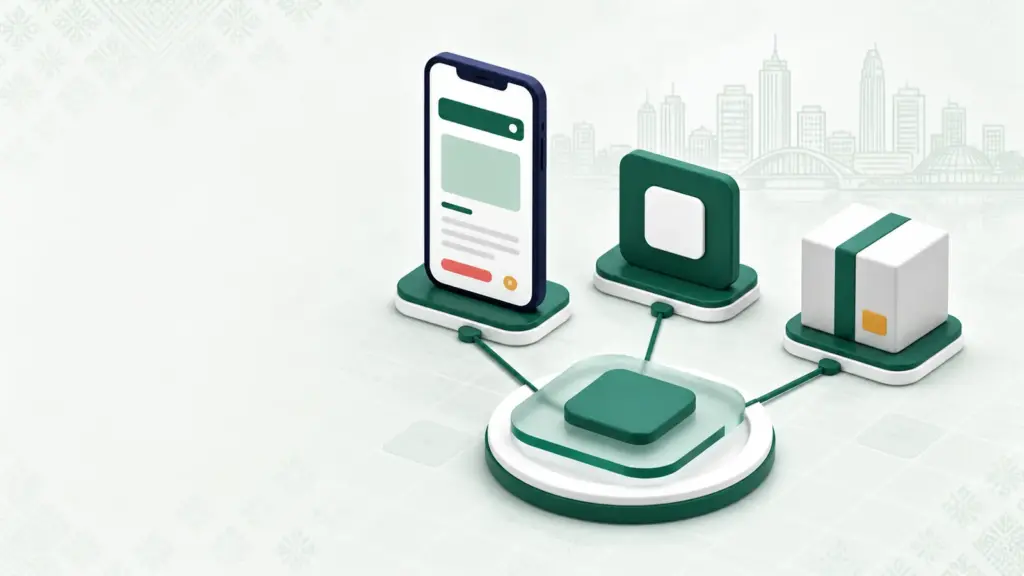
If you see any APK named k444, verify the source
- Name: Check the spelling of k444 character by character; do not consider CK444 or similar names as the same.
- Source: Write down where the file came from, what the page address is, and who the publisher is—these three. A forwarded link or message alone is not sufficient proof.
- Permission: Understand why it is asking for access to contacts, SMS, accessibility, microphone, or storage. If the permission is unrelated to the work, stop the install.
- Update: Check where future updates will come from and if there is a path for file removal.
k444.beer does not host any files, does not provide a download button, and does not claim security certification for external APKs. If in doubt, using the browser page to read information is a less committed approach.
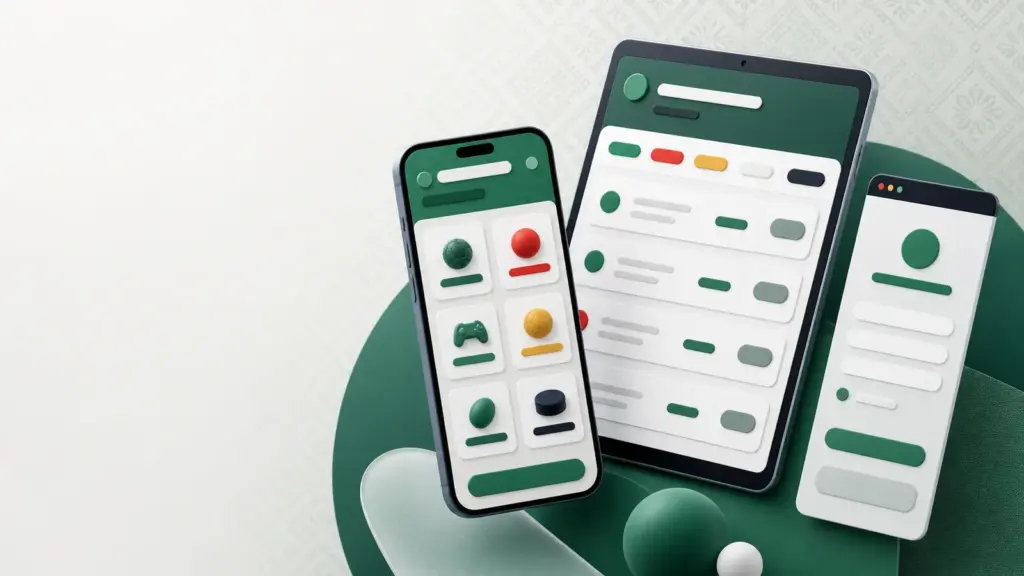
Test screen and connection issues separately
If the page appears incomplete, first reset the browser zoom to default, try switching between portrait/landscape, and turn off the keyboard or overlay. If text is visible but the button is off-screen, it may be a layout issue. If images, live status, and multiple pages do not open, there is a higher chance of connection issues.
- Open a simple low-data page to check if the internet is working.
- Switch once between Wi-Fi and mobile data to test the same page.
- Close background downloads and unnecessary tabs.
- Reload once and wait; do not tap or resubmit the form repeatedly.
Live information may lag on a weak connection. So, if you see the current status, recheck the page's match or transaction identity and visible timestamp.
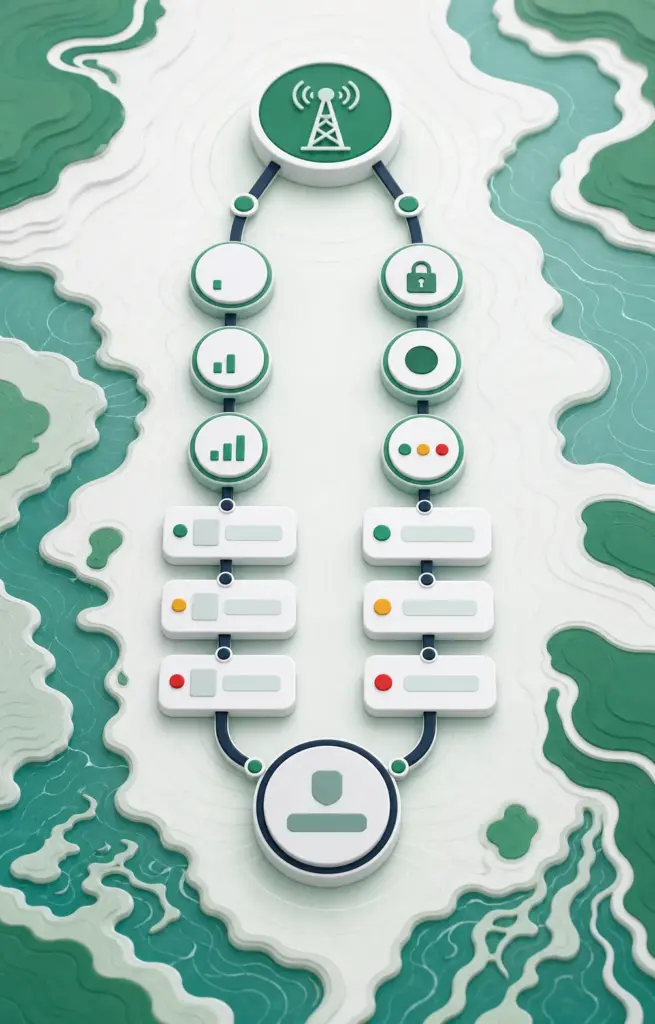
The page is opening, but the session is not working
Even if the page loads, if the sign-in screen keeps returning, there may be effects from browser cookies/session, incorrect identifiers, expired logins, or connection changes. First, check if the address is correct; then try recovery or sign-in with the same account identifier. Registering anew may separate old records, so do not create a duplicate account just because login failed.
If you do not see a response after submitting the form, do not quickly press the same button again. Write down the page status, then check if there have been changes in the history or account page. If it is account or transaction-related Understand the status of the transaction and use the non-sensitive record checklist from there.
Common questions about mobile usage
What information should I check when I see an APK named k444?
Match the exact spelling, full address of the download page, publisher, file source, requested permission, and update path. Do not install just by looking at the filename, icon, or forwarded link.
What is the difference between a browser shortcut and an APK?
A shortcut is usually an icon that opens a web address; an APK installs a program on Android and may request device permissions. The difference can be understood by checking the address bar and app settings after pressing the icon.
What should I do if the login keeps getting lost even after opening the page?
Verify the correct address, browser cookie/session, and your own identifier; check if re-signing in is necessary after changing the connection. Use the recovery path first instead of registering anew.