k444 account-related tasks include Register, verification, Login, active session, recovery, and transaction status—view this lifecycle. The form fields and payment options may vary across different sources with the same name, so this page does not guarantee a single field list or wallet support; it indicates the types of errors and subsequent safe steps.
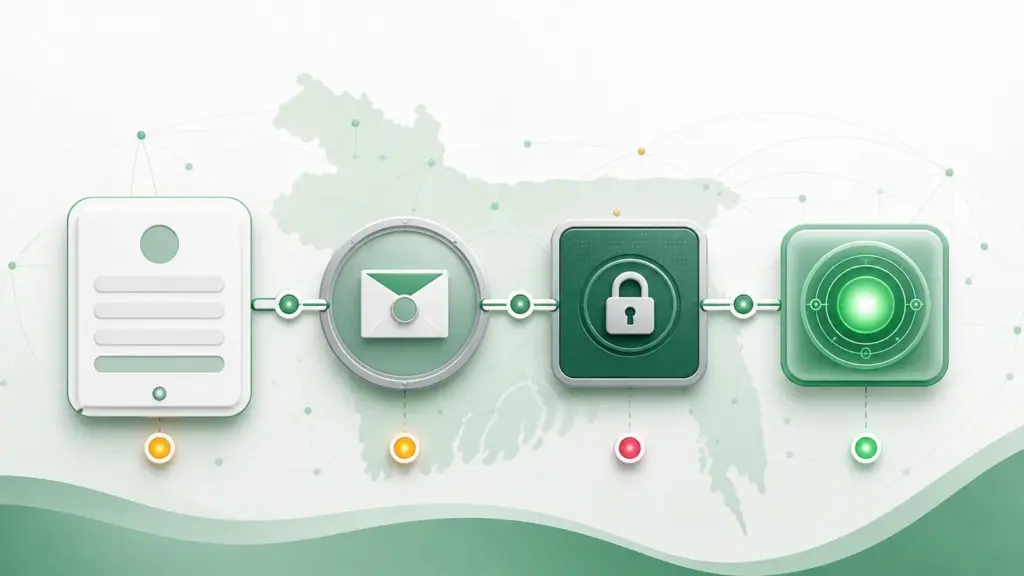
Steps from Register to active Session
Register An identifier is created or submitted in the step. It can be a mobile number, username, email, or something else—the label of the page you are using is final. Verification May check identity or contact control. Login Starts the session by matching identifier and password. Recovery A way to recover forgotten credentials. Do not consider these four tasks as reasons for creating a separate account.
| Step | What you will match yourself | What you will not disclose |
|---|---|---|
| Register | Page address, field label, and consent | Unnecessary identity document |
| Verification/OTP | Code received for any task and expiry | OTP or verification link |
| Login | Correct identifier, caps/spacing, and address | Password |
| Recovery | Your recovery channel and request time | New password or secret answer |
| Session | Active on any device/browser | Cookie or session token |

Identify the branch of the problem if Login fails
- Identifier error: Read what type of identifier the page is asking for—mobile, username, or email. Check for country code, space, or spelling errors.
- Password error: Check keyboard language, capital letters, and accidental spaces. Do not paste the password elsewhere.
- Session error: Even if Login is successful, check browser cookie, private mode, or connection change if returning to the previous page.
- Recovery needed: If you do not remember the credential, use the visible recovery link instead of registering anew. Wait for a response without submitting the same task repeatedly.
If the problem is with the mobile browser or connection Check the steps to verify browser, screen, and sessionWrite down the exact wording and time of the error message; if taking a screenshot, cover sensitive parts like password, OTP, and balance.
Understand OTP and Verification safely
OTP or one-time password is a time-limited verification code. Check why the code was received—Register, Login, recovery, or transaction confirmation—match it with the message and screen. If you receive an OTP without making any request, do not use or share the code; check account activity first.
If the code arrives late, requesting multiple times quickly may confuse old and new codes. Check the last request time, wait for the result of one code, and then request a new one if necessary. This site does not ask for OTP, password, or session token through correction forms, comments, or any other means.

Pending, Successful, Failed, and Reversed Status
The method of transaction or wallet name may vary by source. However, the general structure for understanding status is the same: whether the request is pending, successful, failed, or in a returned state. Before submitting the same request repeatedly, check the current status in history or records.
| Status | General meaning | Next check |
|---|---|---|
| Pending | The request has not yet reached a final decision | Check for duplicates in Reference, request time, and history |
| সফল | System record shows the request was successful | Match the correct account and history entry |
| ব্যর্থ | The request has not been completed | Visible reason, input and method state দেখুন; একই request তাৎক্ষণিক repeat নয় |
| বিপরীত | Previous debit/request may show as returned or canceled | Match the original and reversal reference and the two times |
These are general explanations of status labels; they do not guarantee specific amounts, fees, processing times, or support responses. The help text and record of the page where the transaction was made are applicable to specific incidents.

Be prepared with any information to explain the issue
If you need assistance, provide non-sensitive information that identifies the incident, not account password or OTP: your partially masked identifier, request date/time, transaction reference, visible status, browser/device, and error message. Cover password, OTP, full mobile, payment credential, balance, or personal document in the screenshot.
- Write a timeline for an incident: request → visible status → next change.
- Check the history for any duplicate requests with the same reference.
- Write down which k444 page/address you used; ensure it does not mix with other services with similar names.
- Use only the official on-page support route; do not provide personal information in public comments.
General questions about accounts and transactions
If login fails, should I register again or check recovery?
First verify the identifier and password format, then use the recovery path for the existing account. Registering anew just because of a login failure may create a duplicate account and separate record.
What do Pending, Failed, and Reversed statuses mean?
Pending means awaiting, Failed means incomplete, and Reversed may indicate a previous request/debit is on the way to being returned or canceled. Keep the reference and time to see changes in history; do not quickly resubmit the same request.
What non-sensitive information is needed to explain the transaction issue?
Keep date/time, masked account identifier, reference, visible status, device/browser, and exact error. Do not provide password, OTP, session token, full payment credential, or identity document.